
Dev.Project
Overview
Overview
Overview
Dev.project is a developer-centric social community platform designed to foster connections among developers, facilitate knowledge sharing, and encourage collaboration. Key features include: Onboarding, Feeds, Community, Explore, Messaging, User Profiles, Settings & Logout.
Dev.project is a developer-centric social community platform designed to foster connections among developers, facilitate knowledge sharing, and encourage collaboration. Key features include: Onboarding, Feeds, Community, Explore, Messaging, User Profiles, Settings & Logout.
Approach
Approach
Approach
The app was designed with a focus on usability and the specific needs of developers, offering a streamlined onboarding process for quick profile setup, content-centric features like Feeds, Explore, and Community to encourage engagement and inspiration, robust tools for networking and collaboration through User Profiles and Messaging, and comprehensive customization and security options to ensure privacy and account safety.
The app was designed with a focus on usability and the specific needs of developers, offering a streamlined onboarding process for quick profile setup, content-centric features like Feeds, Explore, and Community to encourage engagement and inspiration, robust tools for networking and collaboration through User Profiles and Messaging, and comprehensive customization and security options to ensure privacy and account safety.
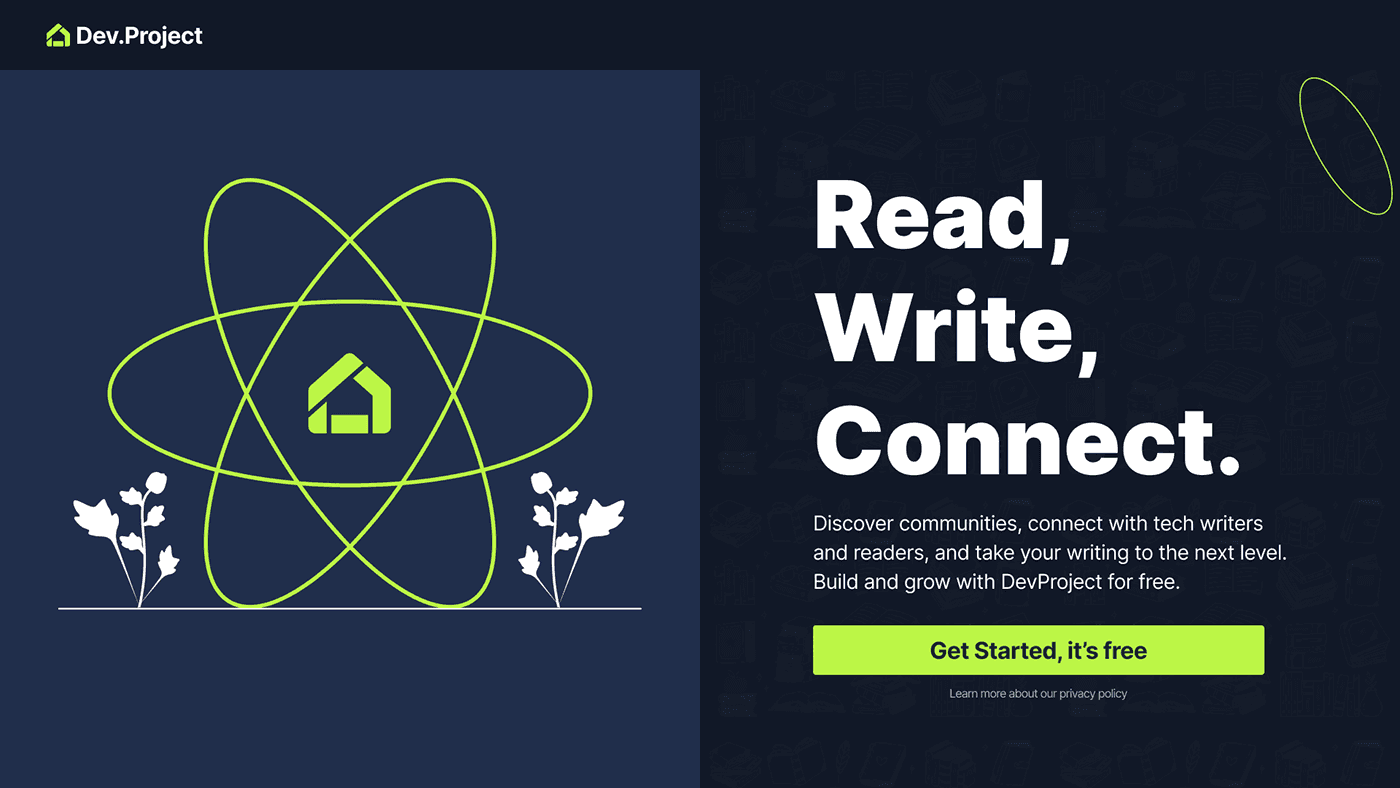
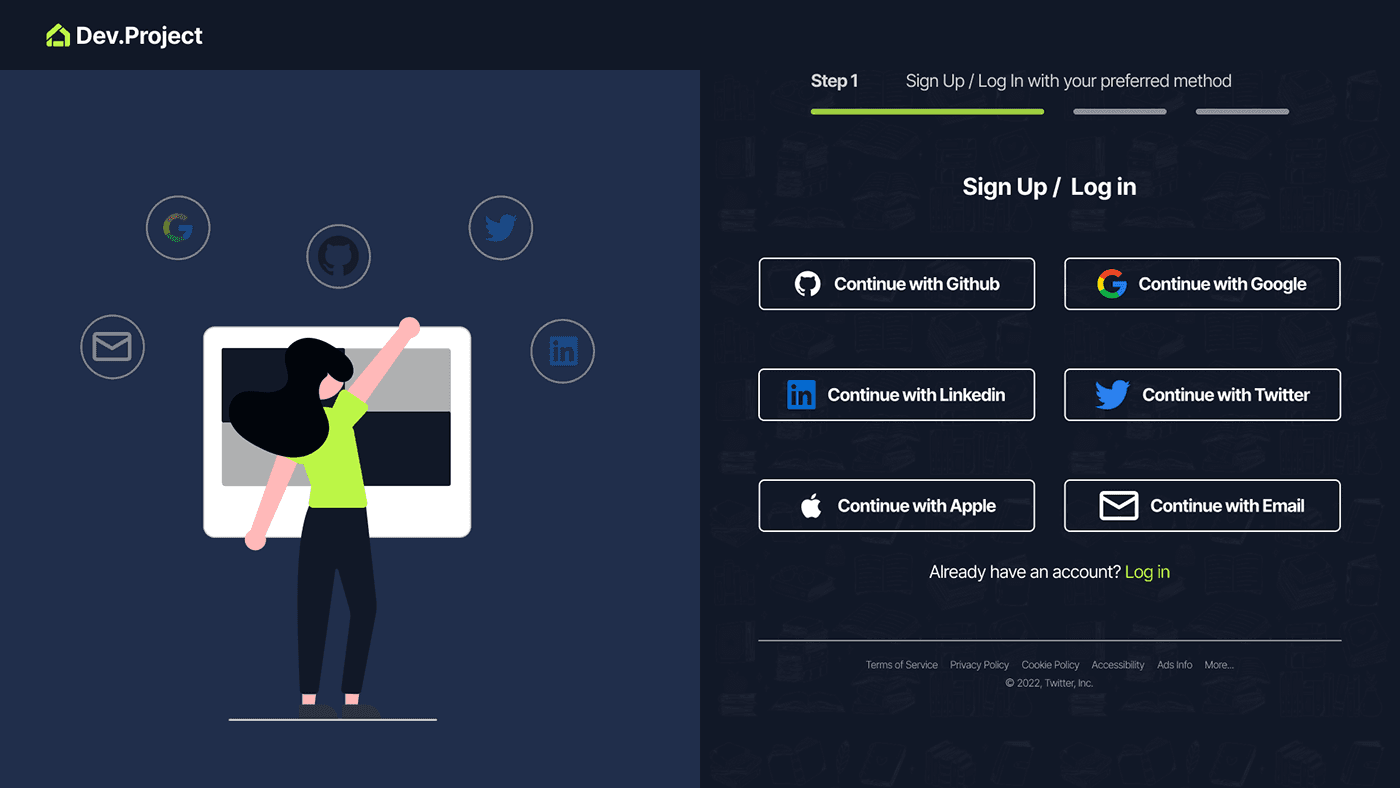
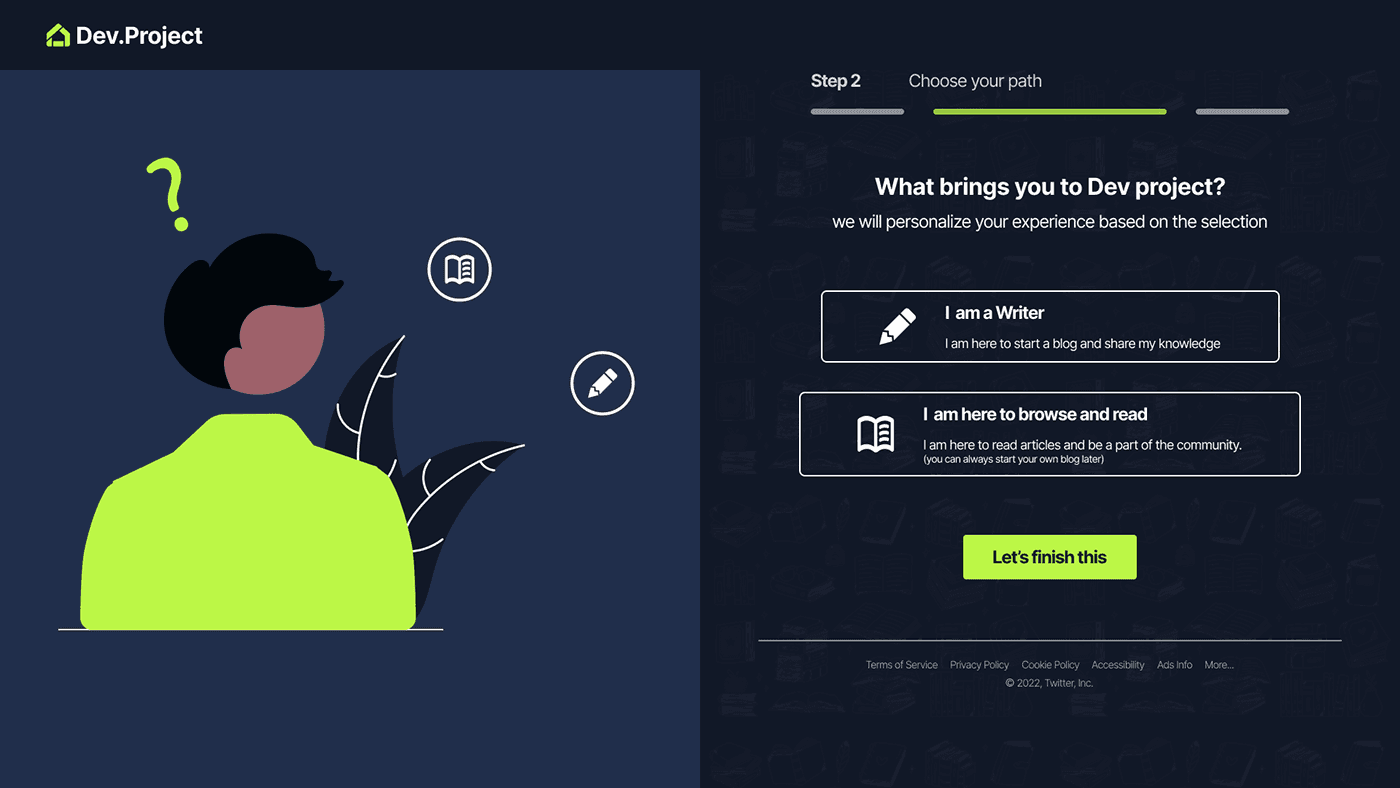
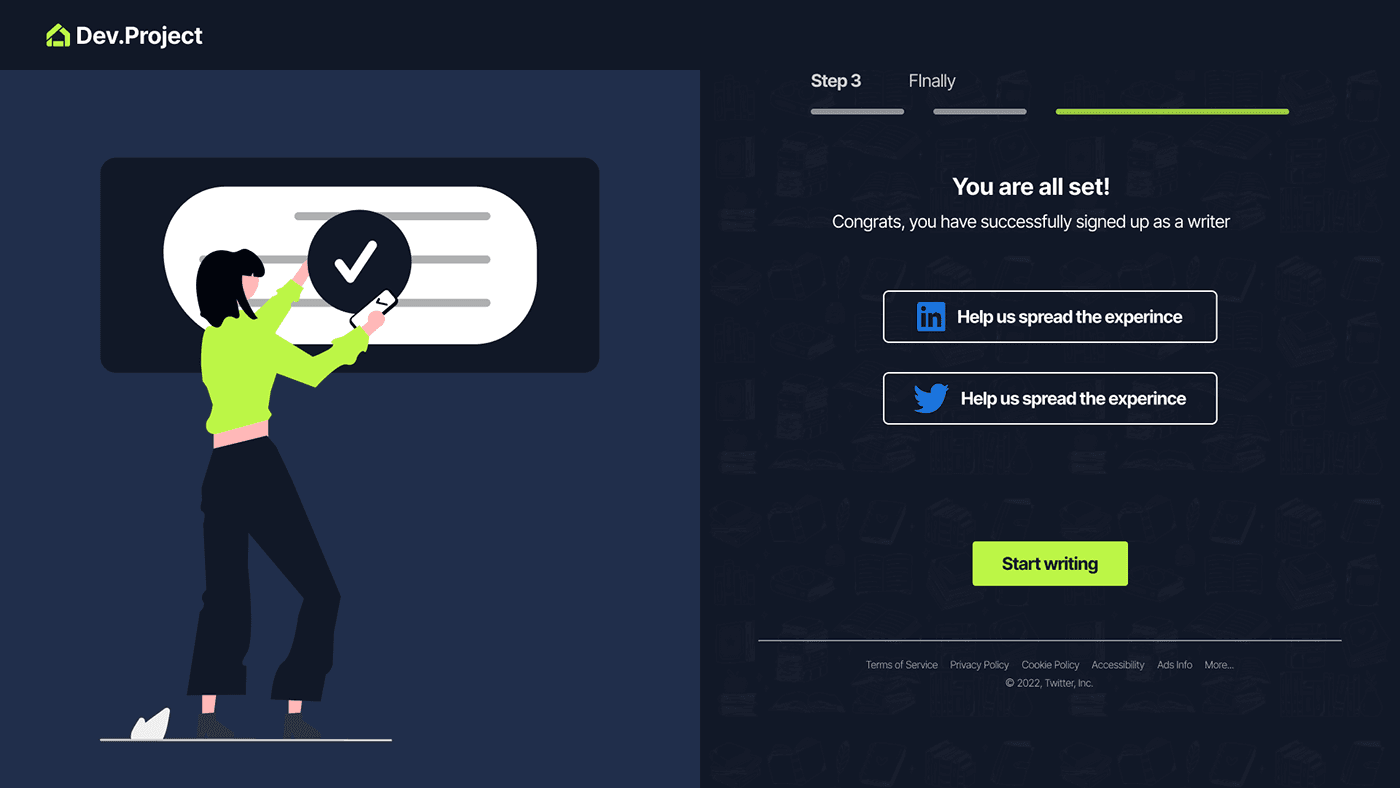
Onboarding: This is where new users sign up/login for the platform and create their profile.Screens I omitted: 1. Screen for profile setting. Onboarding tips
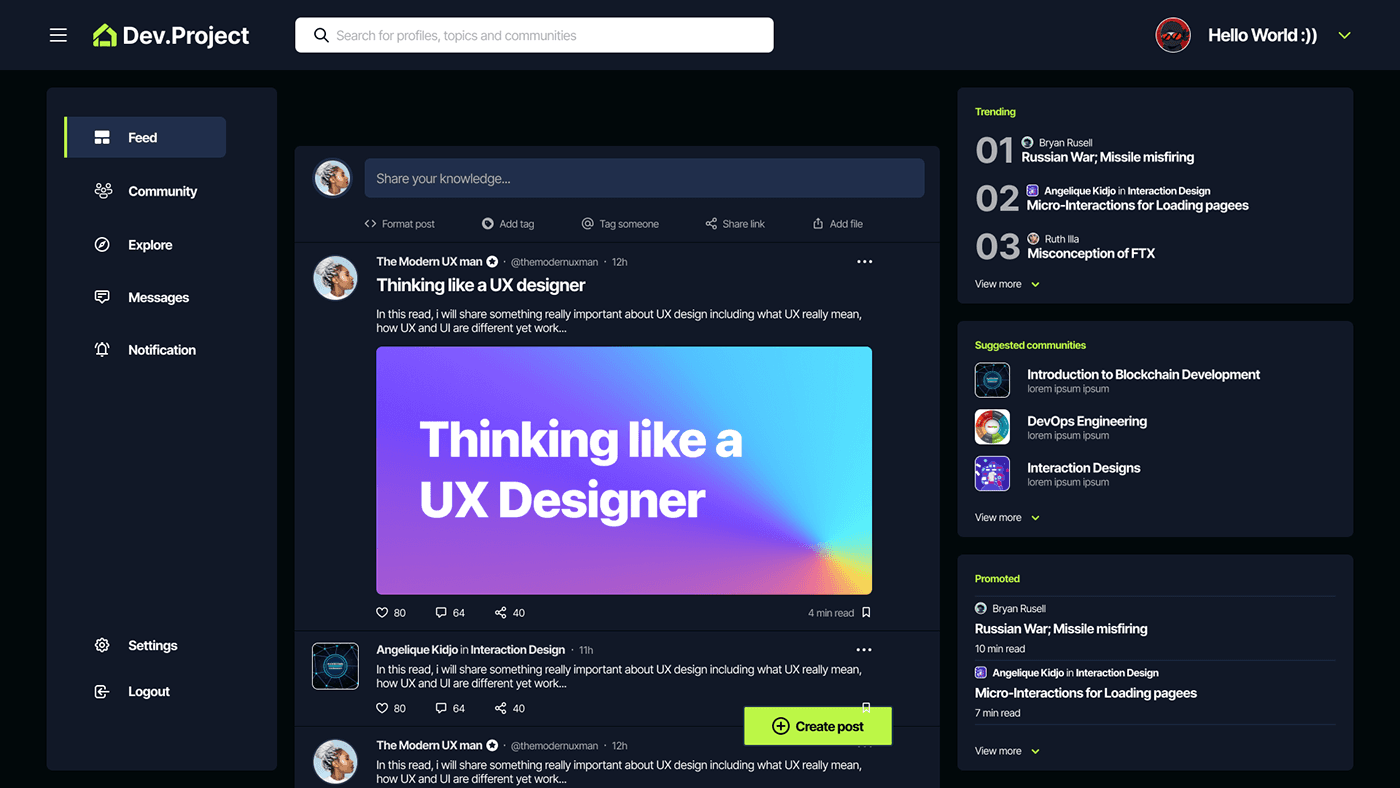
Feeds: Users can create and share posts, articles, code snippets, and other types of content related to programming, software development, and technology.
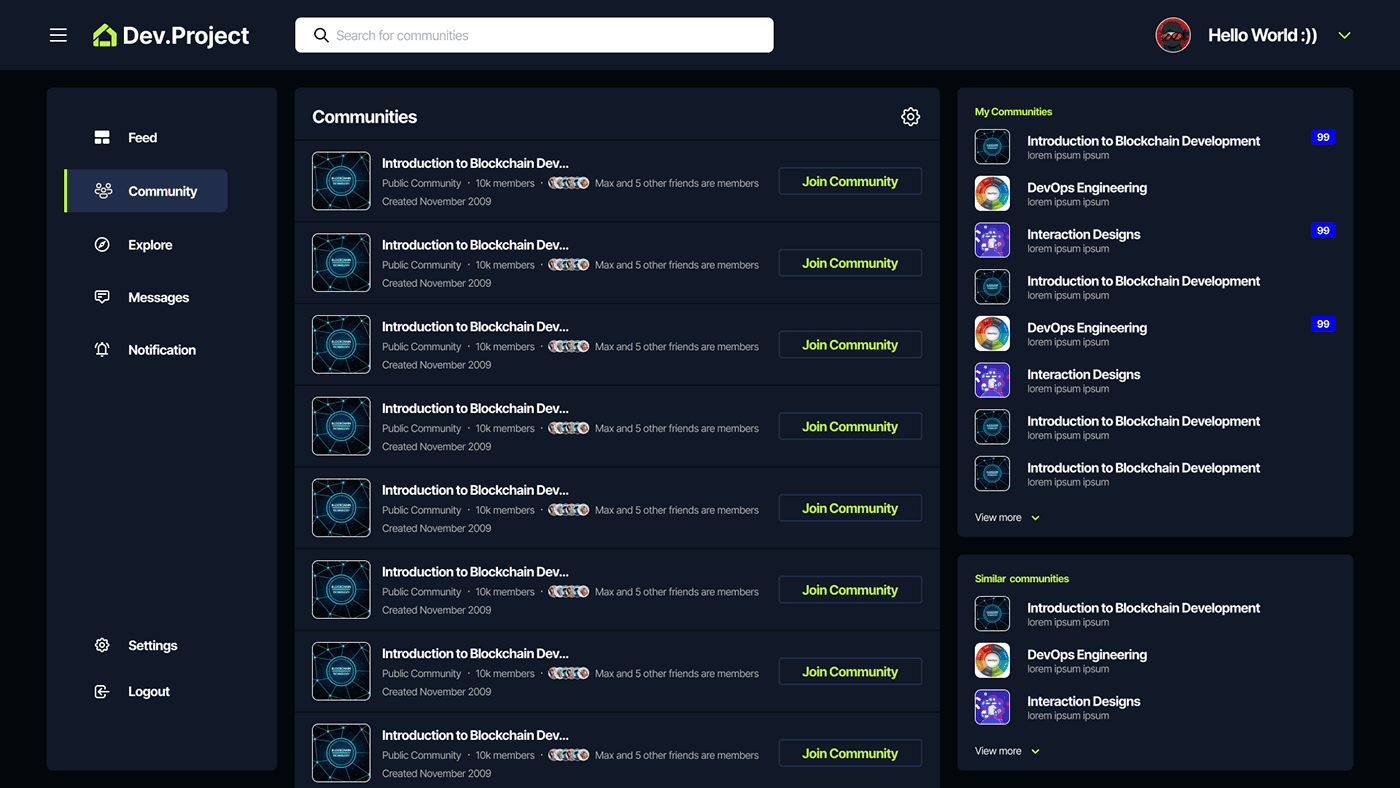
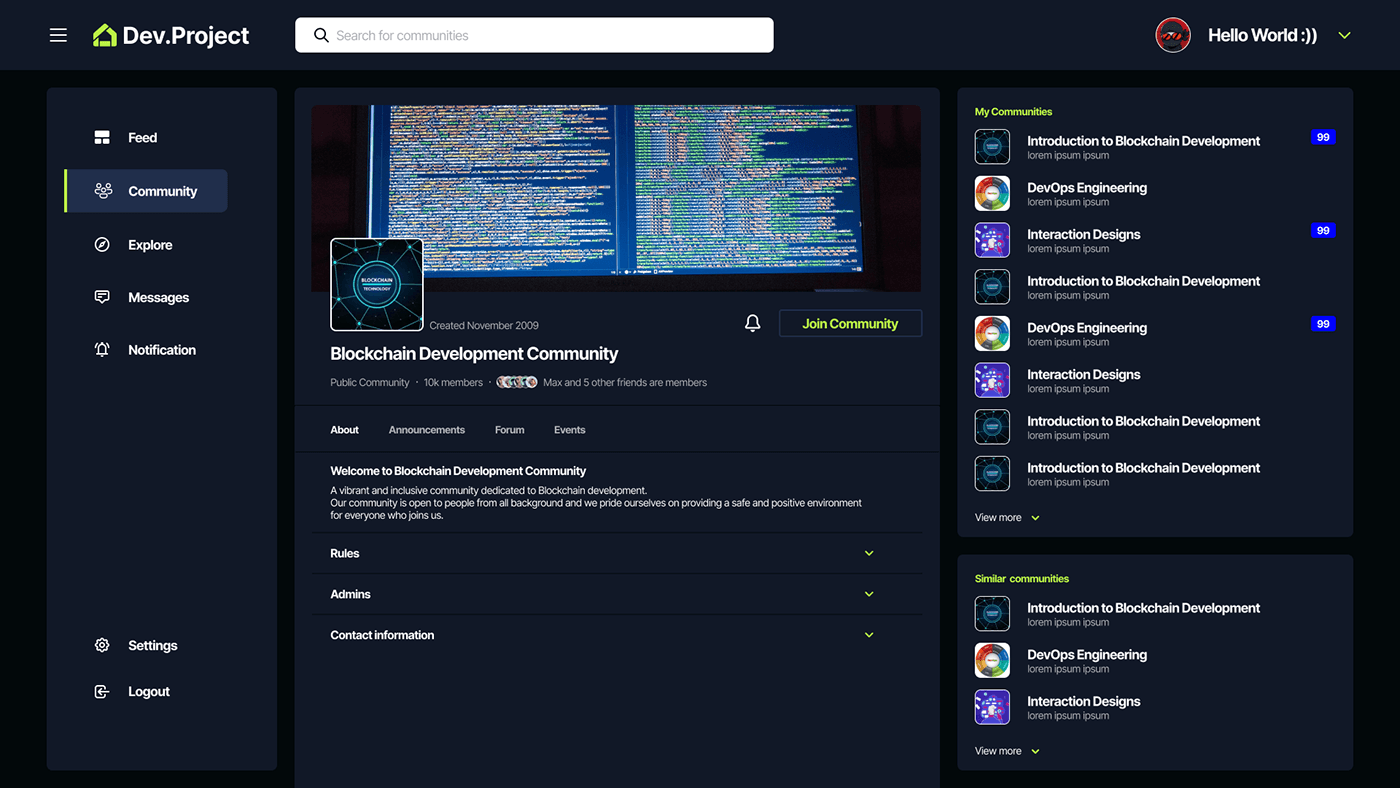
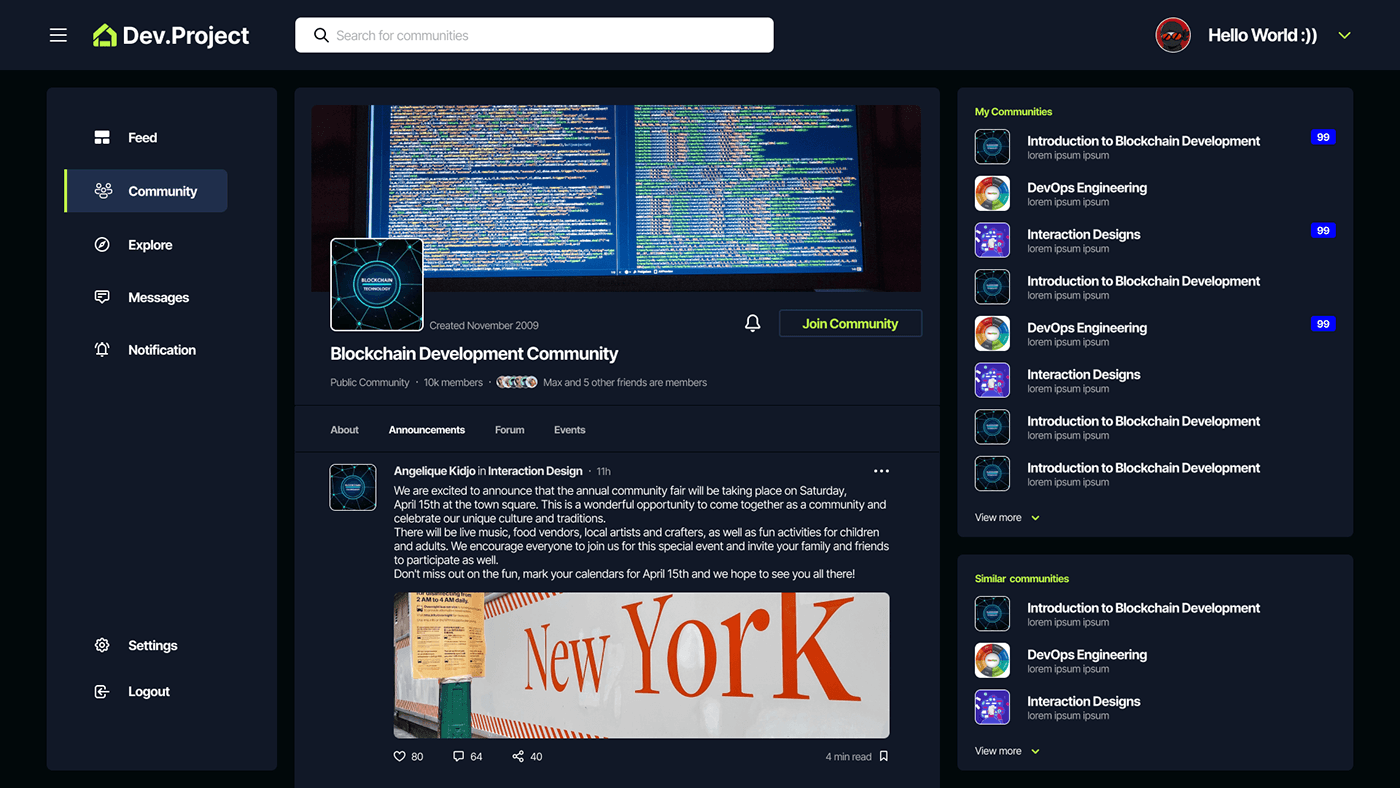
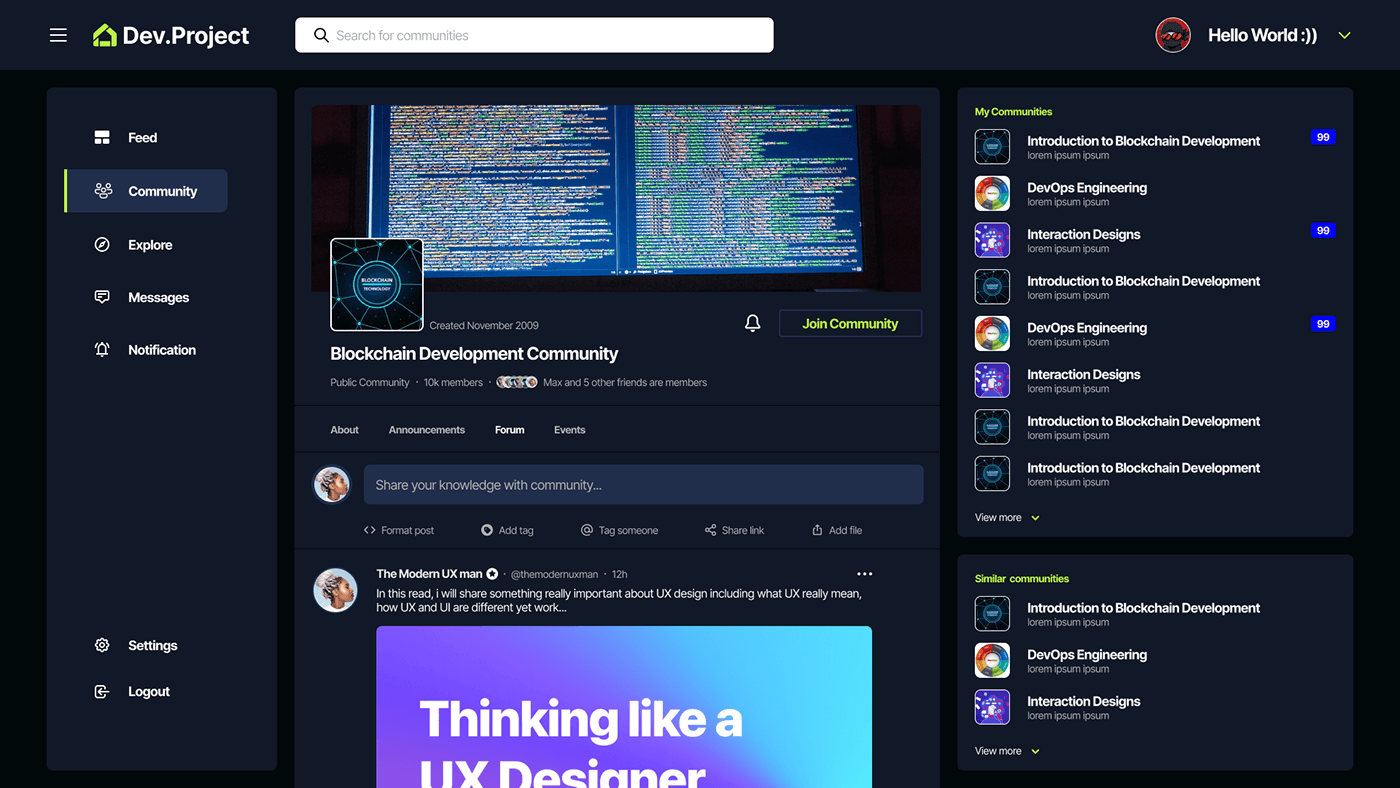
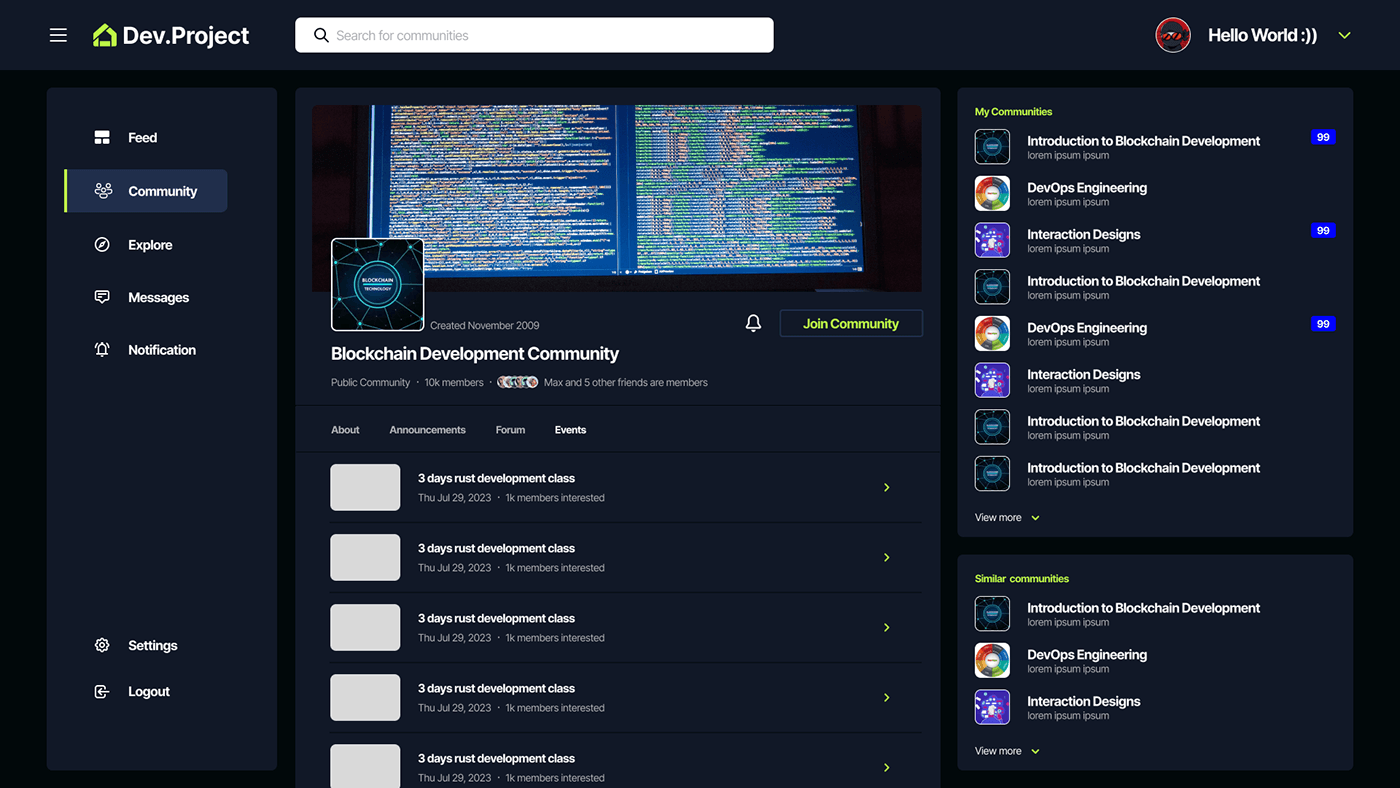
Community: Users can join or create communities based on their interests, technologies they work with, or programming languages they specialize in.
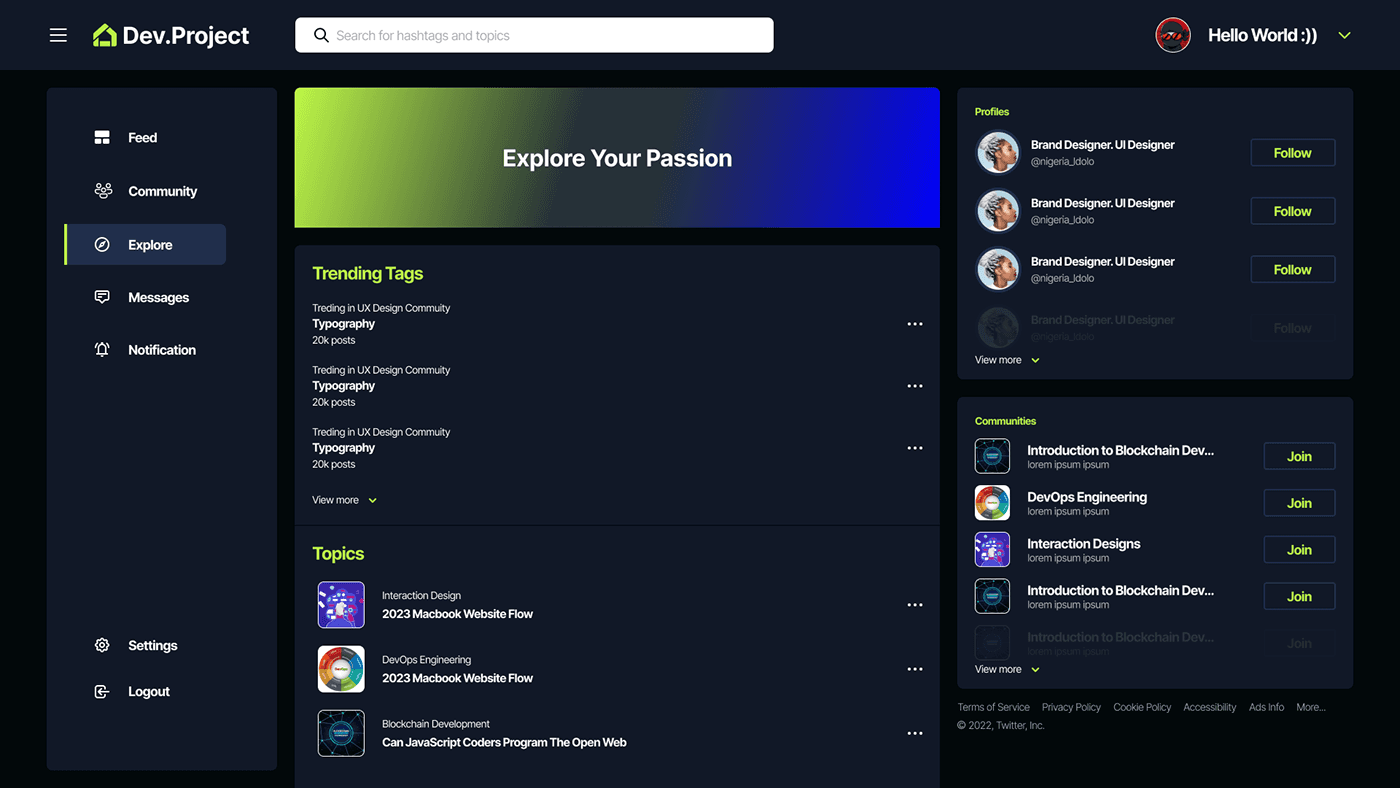
Explore: The Explore screen is a hub of inspiration for developers, showcasing the latest and greatest projects, news, and trends in the tech industry. Users can browse through popular topics and hashtags, discover new communities, and engage with other developers by commenting and liking their posts.
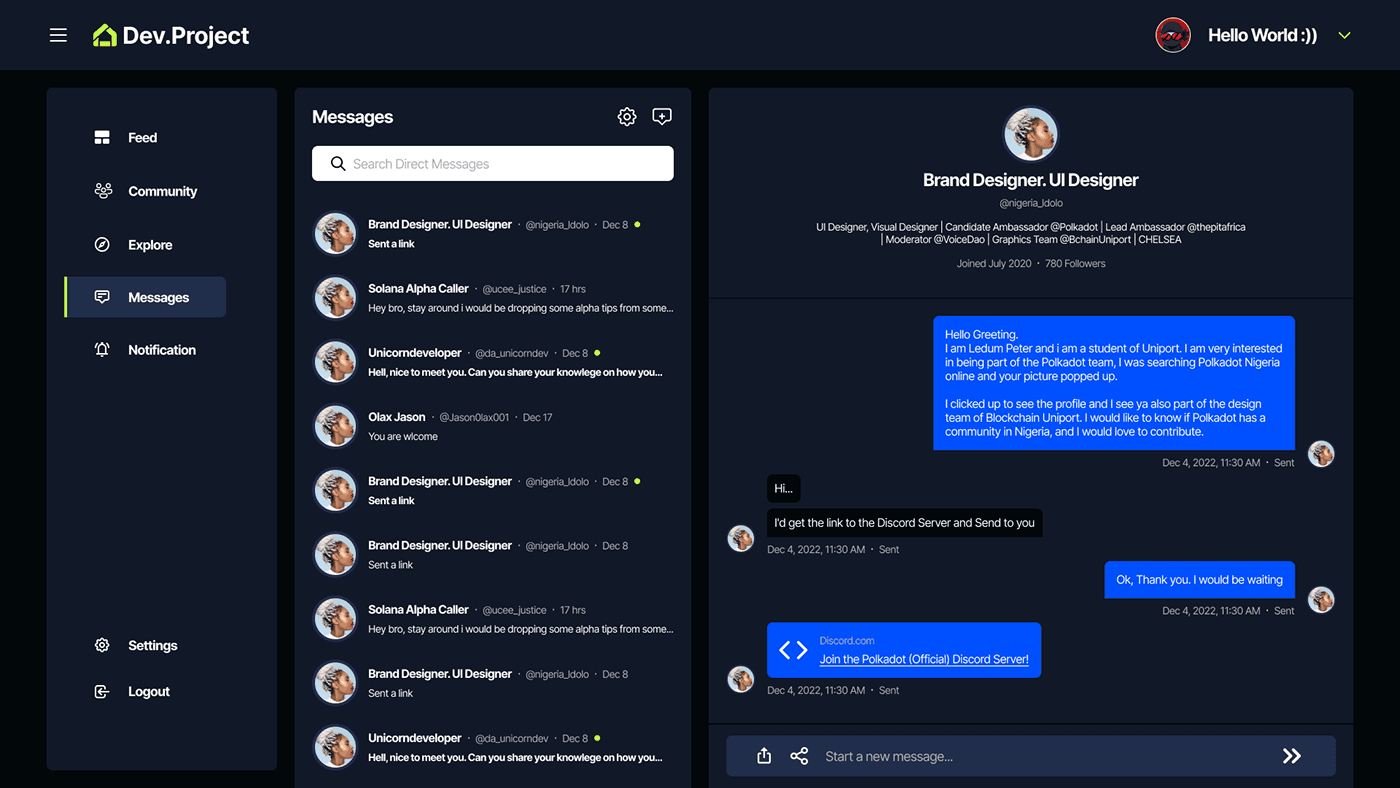
Messaging: Users can send and receive messages to other users, communities, or groups within the app.
Users can receive notifications about new messages, community updates, and other important events in the app.
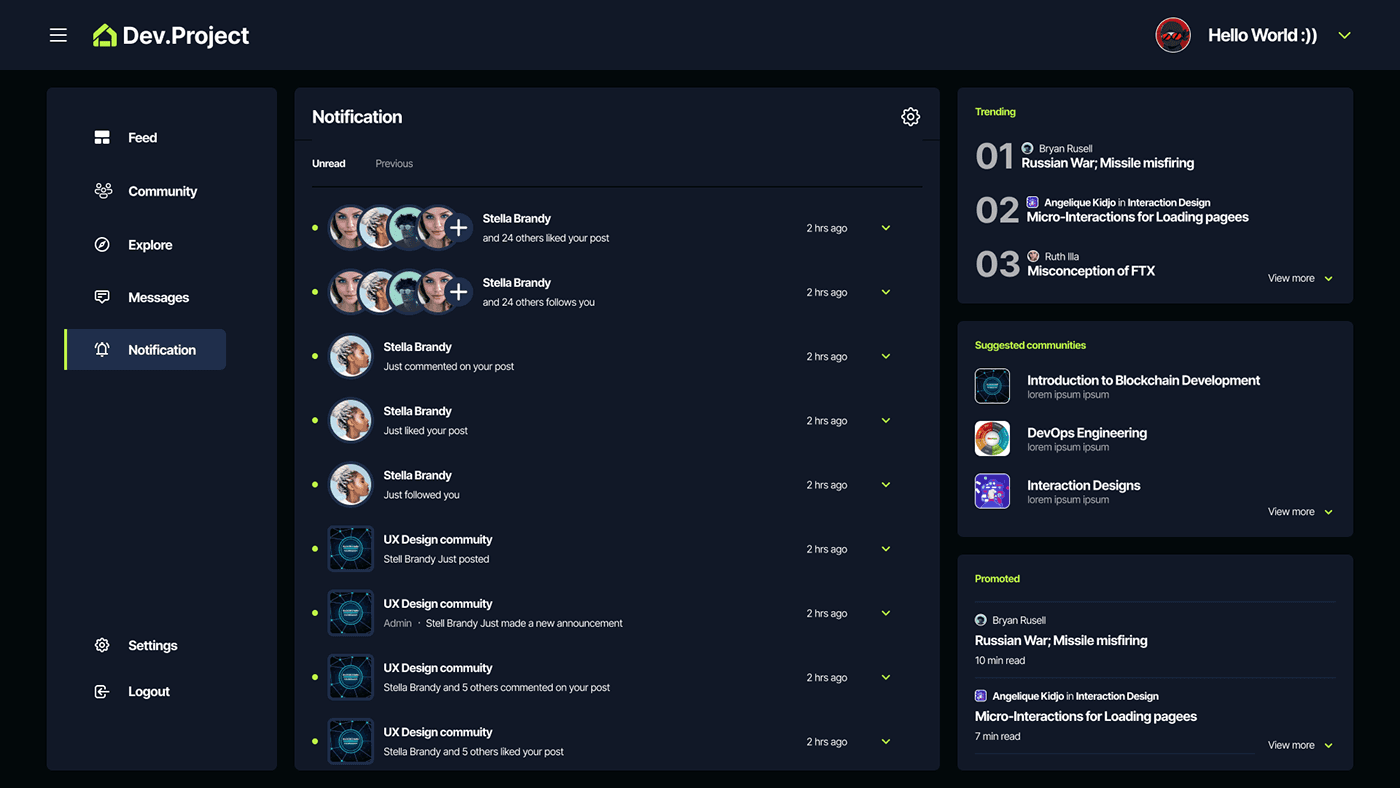
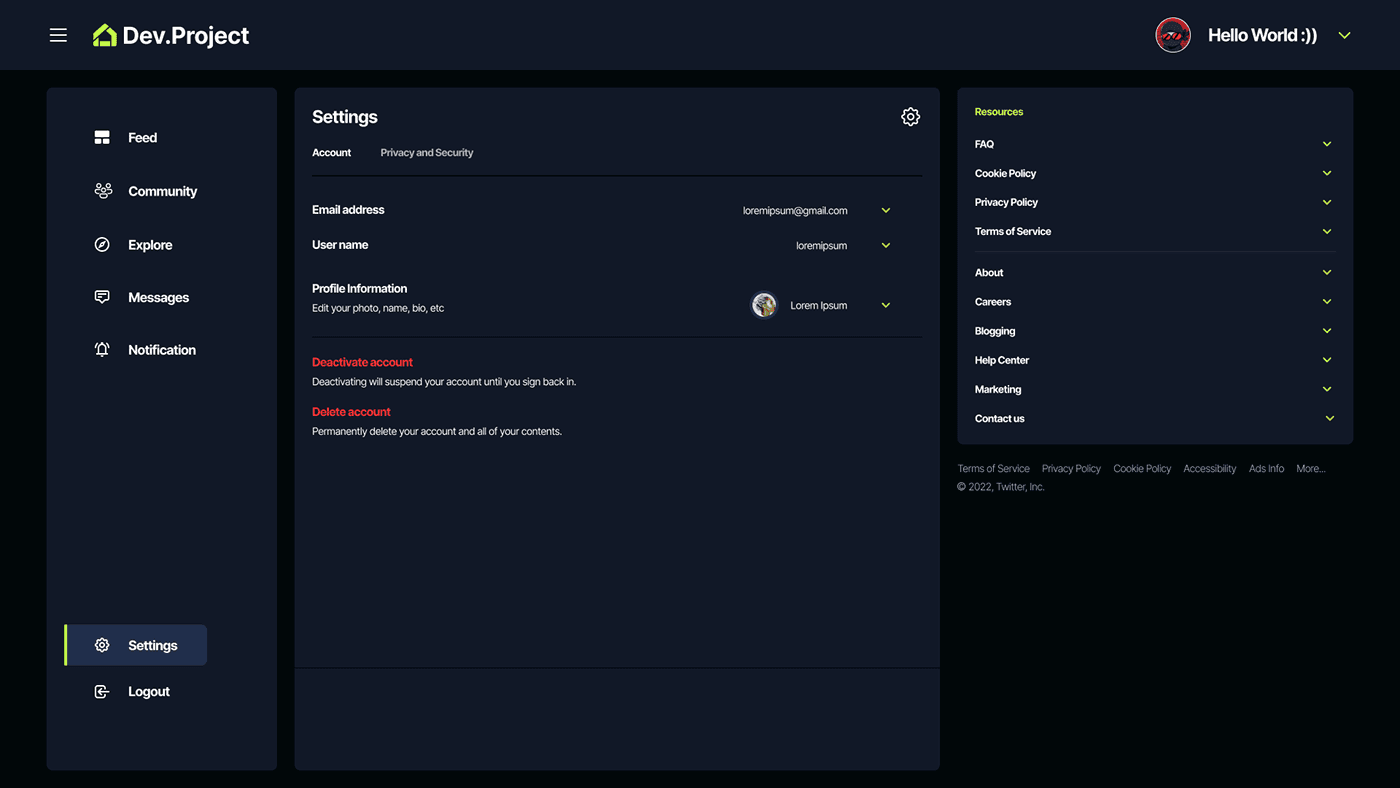
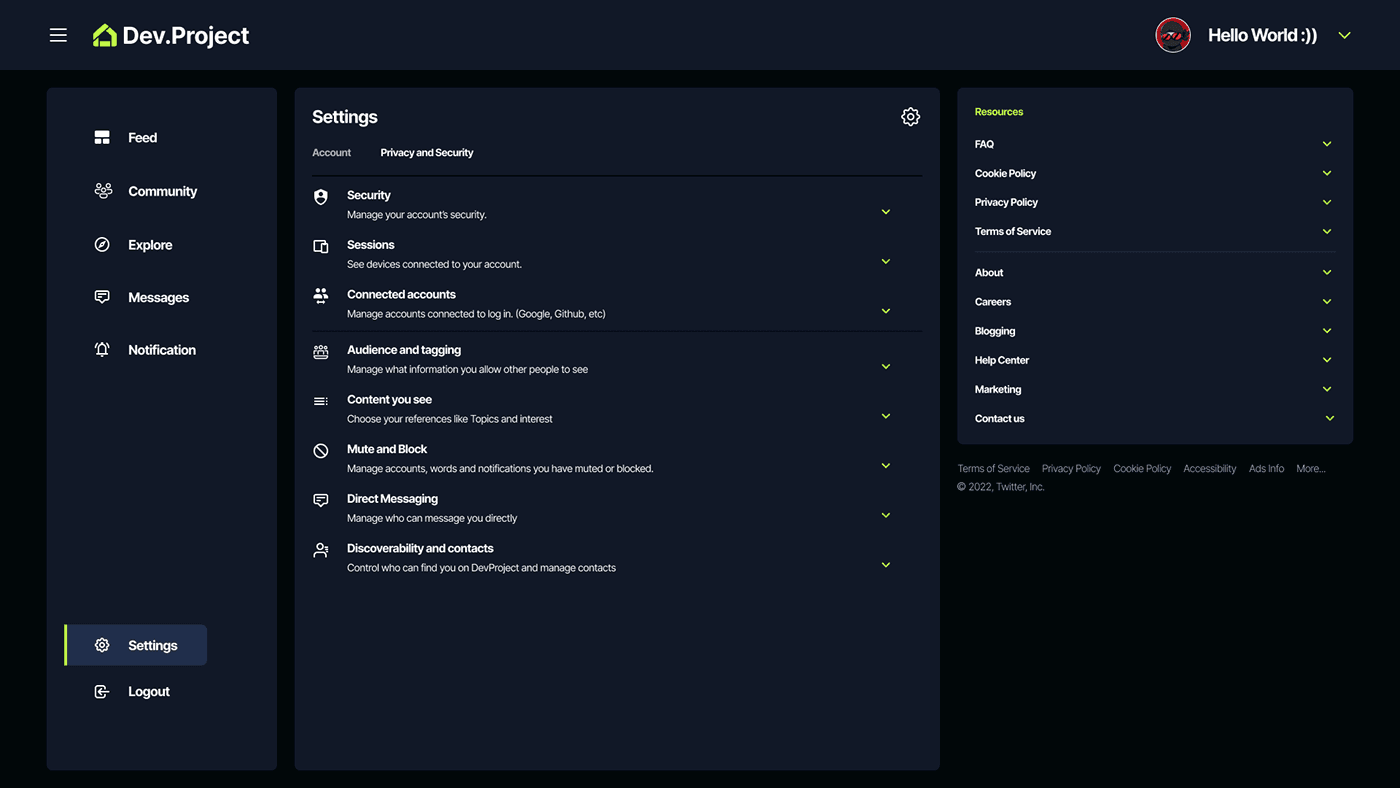
Settings: The Settings screen is where users can manage their account preferences, such as profile information, notification settings, and privacy options. It also includes account security features like two-factor authentication and password management.
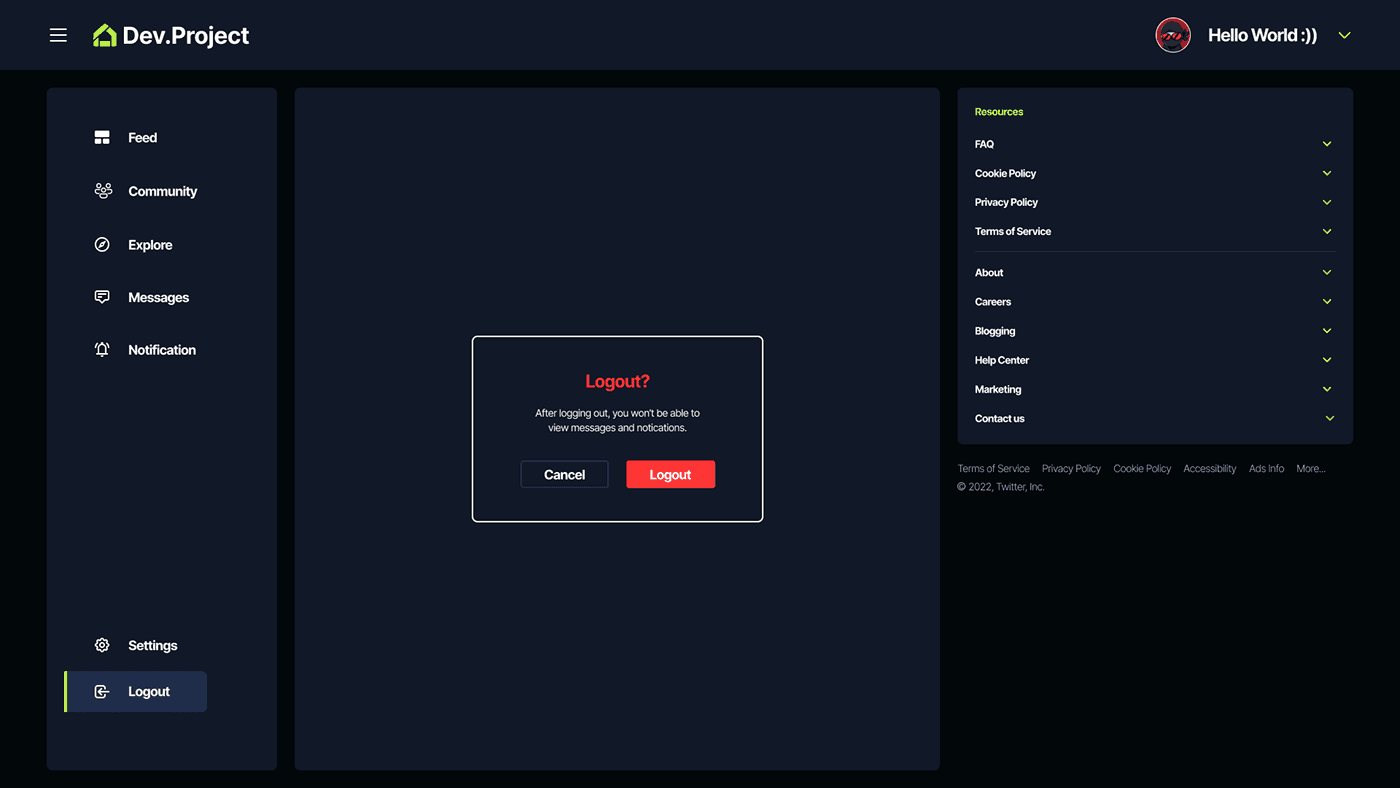
Logout: The Logout screen allows users to securely sign out of their account and end their current session on the app. This is an important feature for maintaining account security and privacy.
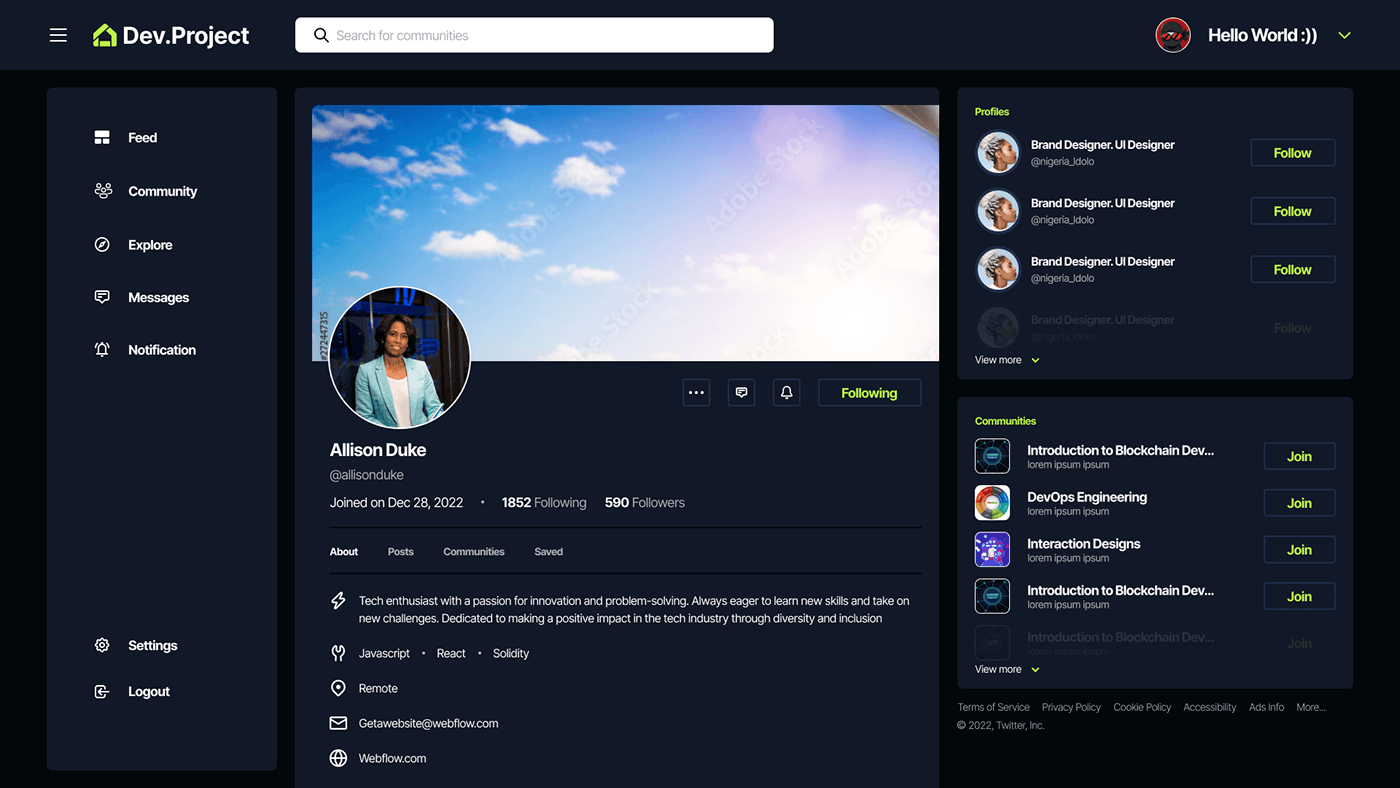
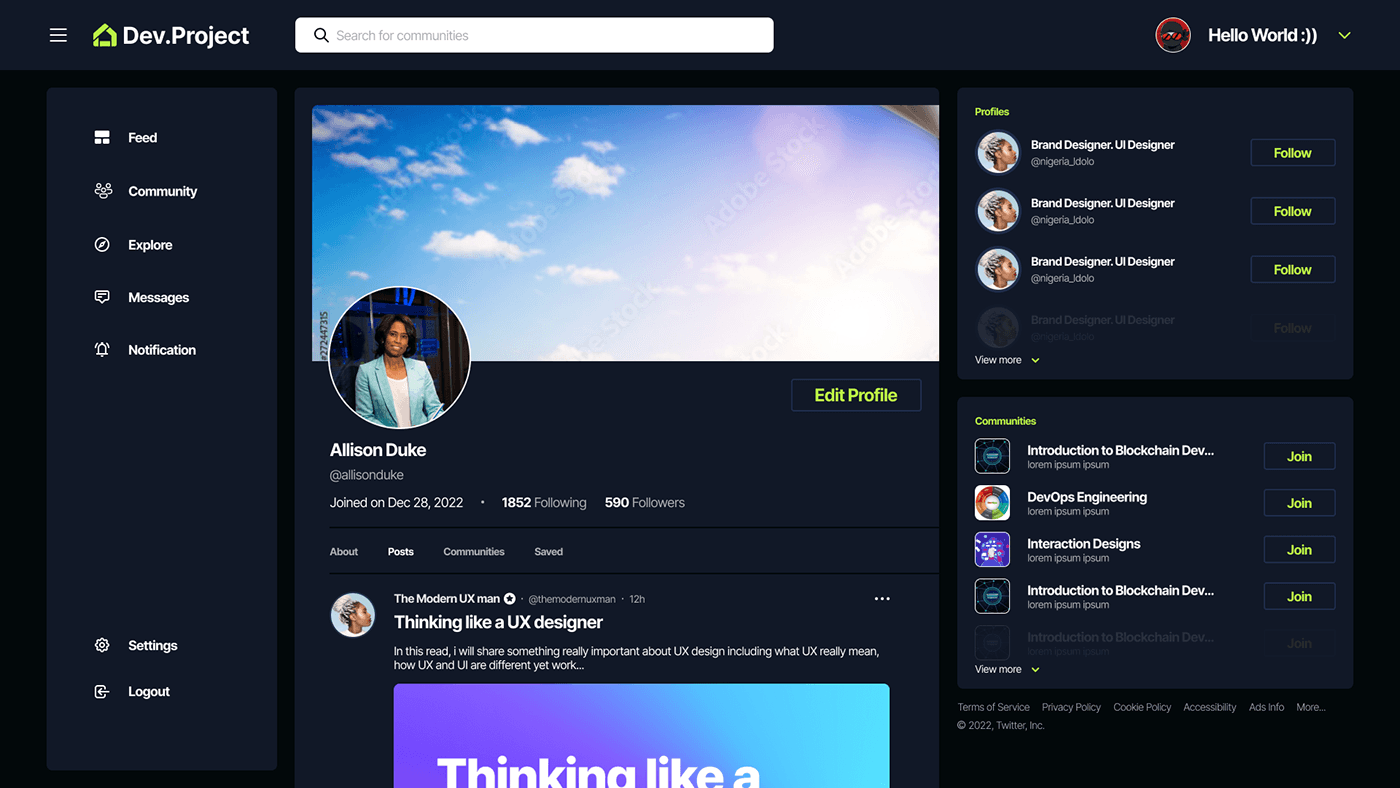
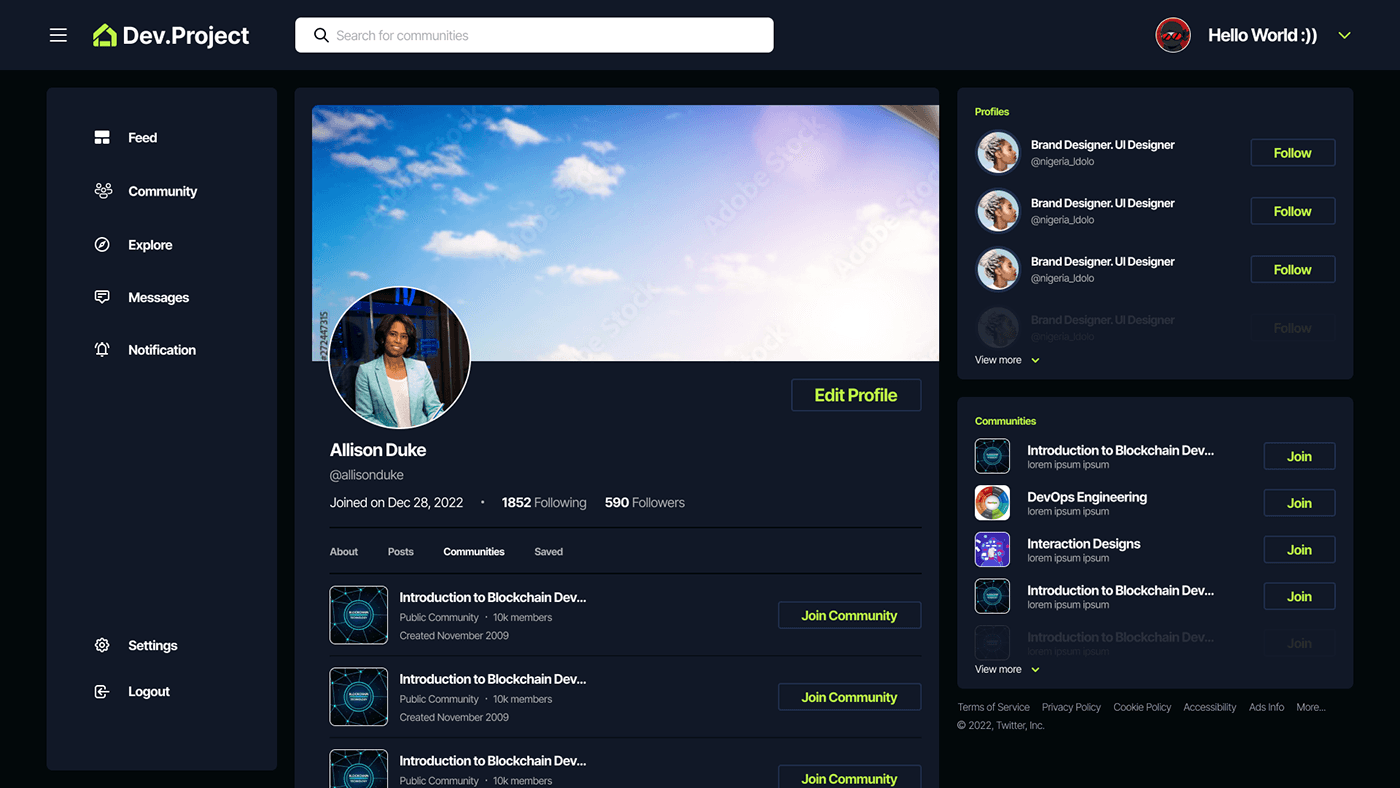
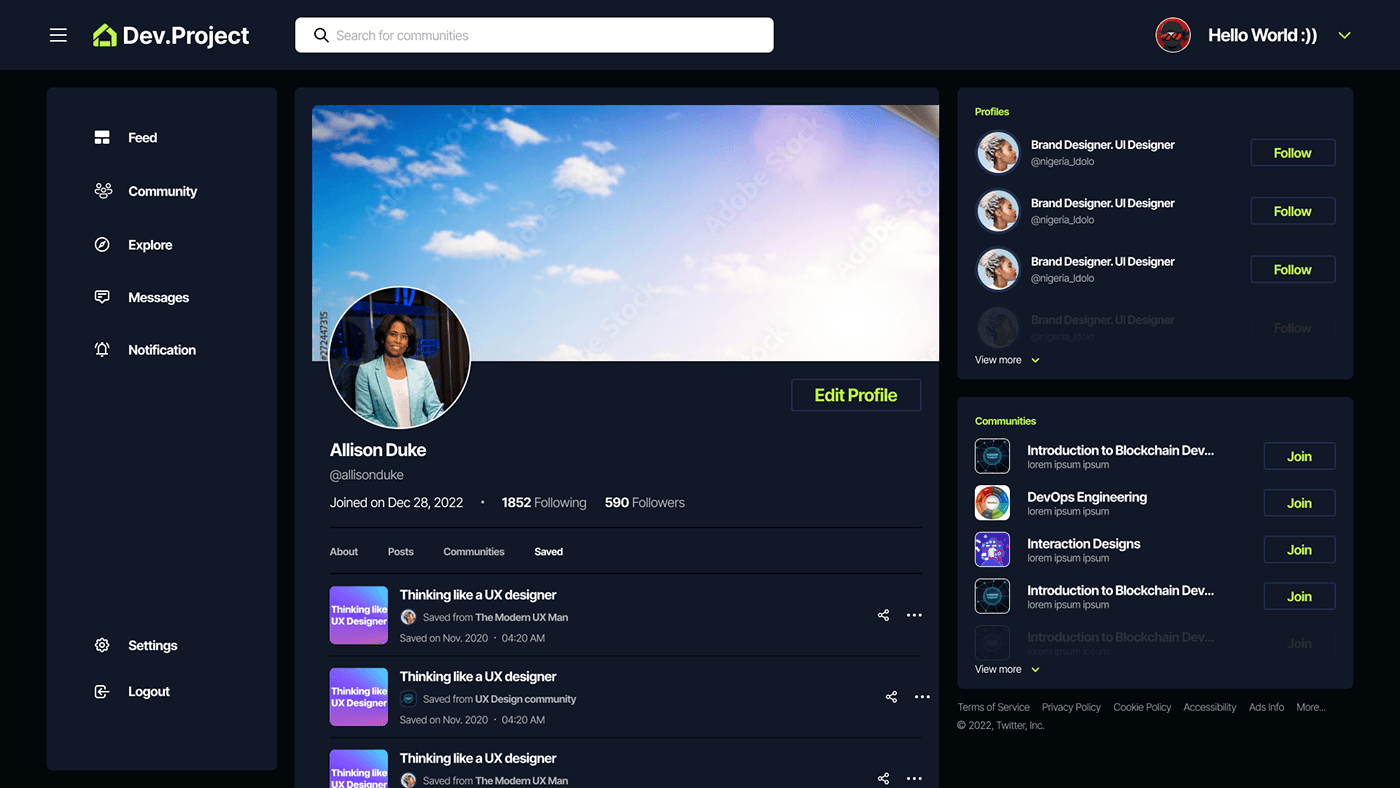
User profile: The Profile screen is where users can showcase their skills, projects, and experience as a developer. Users can add a profile picture, bio, and links to their portfolio or social media profiles. They can also view their activity, including posts, comments, and likes, as well as their followers and following lists. The Profile screen is a key feature for networking and connecting with other developers on the app.
Onboarding: This is where new users sign up/login for the platform and create their profile.Screens I omitted: 1. Screen for profile setting. Onboarding tips
Feeds: Users can create and share posts, articles, code snippets, and other types of content related to programming, software development, and technology.
Community: Users can join or create communities based on their interests, technologies they work with, or programming languages they specialize in.
Explore: The Explore screen is a hub of inspiration for developers, showcasing the latest and greatest projects, news, and trends in the tech industry. Users can browse through popular topics and hashtags, discover new communities, and engage with other developers by commenting and liking their posts.
Messaging: Users can send and receive messages to other users, communities, or groups within the app.
Users can receive notifications about new messages, community updates, and other important events in the app.
Settings: The Settings screen is where users can manage their account preferences, such as profile information, notification settings, and privacy options. It also includes account security features like two-factor authentication and password management.
Logout: The Logout screen allows users to securely sign out of their account and end their current session on the app. This is an important feature for maintaining account security and privacy.
User profile: The Profile screen is where users can showcase their skills, projects, and experience as a developer. Users can add a profile picture, bio, and links to their portfolio or social media profiles. They can also view their activity, including posts, comments, and likes, as well as their followers and following lists. The Profile screen is a key feature for networking and connecting with other developers on the app.
Ledum_IX